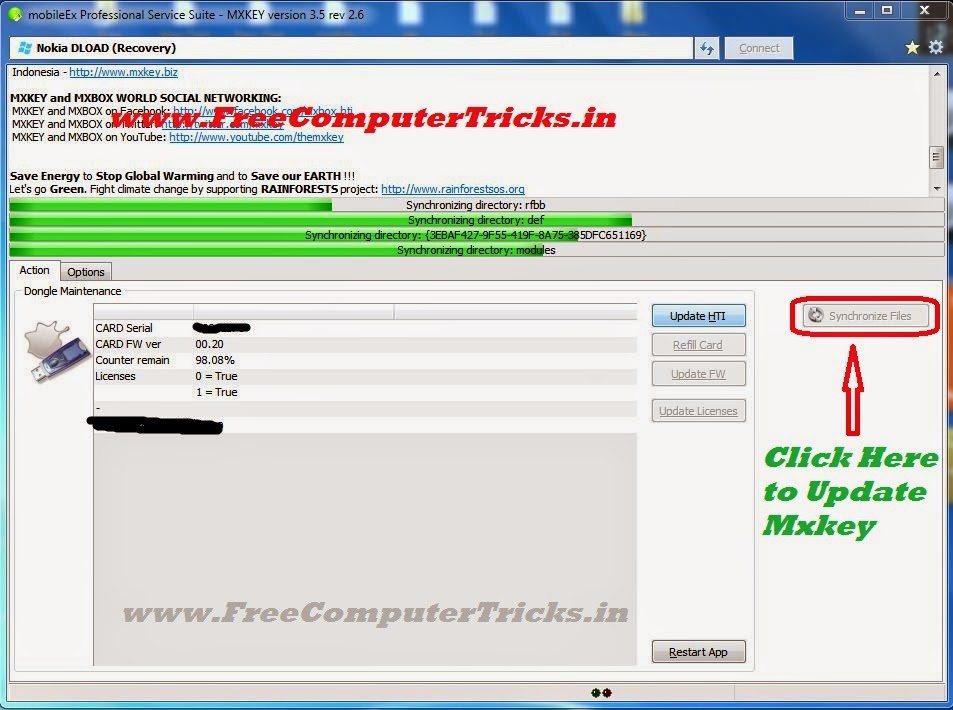
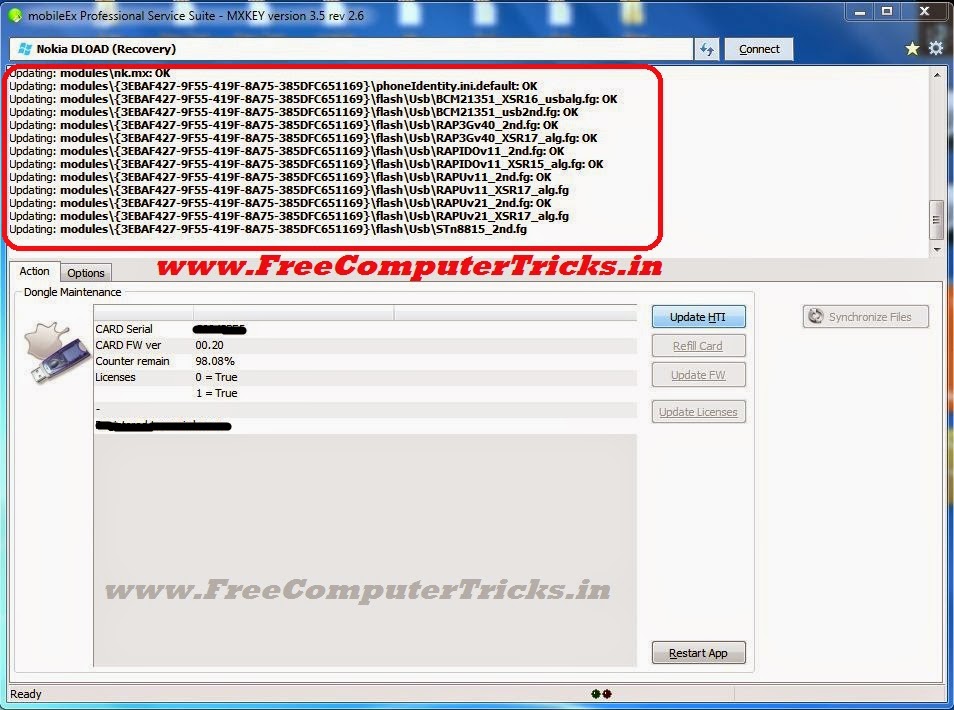
Mxkey no security detected problem on Windows 7, if you are facing this problem then this guide will help you to completely solve the "Mxkey no security dongle detected" issue. Here you can know about the step by step procedure to overcome the problem and get solution. The below is the procedure to solve 'No security dongle detected' for Windows 7.
 |
| Mxkey No Security Dongle Detected Windows 7 |
Mxkey No Security Dongle Detected Solution
1) Uninstall any old version of Mxkey and Install New Version
2) Do not download the Mxkey setup from other site, always download from official site of Mxkey.
3) While Installing Mxkey, Install all drivers you prompt at the time of Installation.
4) To update Smart Card Drive always use the path C:\mobileEx\3.5
5) After Installation Restart the Computer.
Mxkey Latest Version mobileEx_setup_v3.5_rev2.6(20130509)
Follow the above steps for installing Mxkey on Windows 7, then you will be solved the problem of No security dongle detected.
After installing Mxkey software connect the Mxkey to the computer and check device manager for the drivers are installed or not. In mxkey two driver must install automatically 1) USB Token Device 2) USB Token Holder, if these driver is not installed then you may have the problem in setup, just reinstall the Mxkey setup downloaded from official site, your problem will be solved.
 |
| Mxkey No security dongle detected Windows 7 Solved 100% |
If these two driver are installed successfully then you can use Mxkey and the no security dongle detected problem will solve. If you want to install Smart card driver, then just update the driver and give the path C:\mobileEx\3.5, the smart card will automatically install.
Note: If there is no light blinks in the Mxkey dongle, that means the Mxkey device is not working and it's a hardware fault.